12 Oct 2026 · 2 min read
Change Your Storefront's Look and Watch It Happen Live
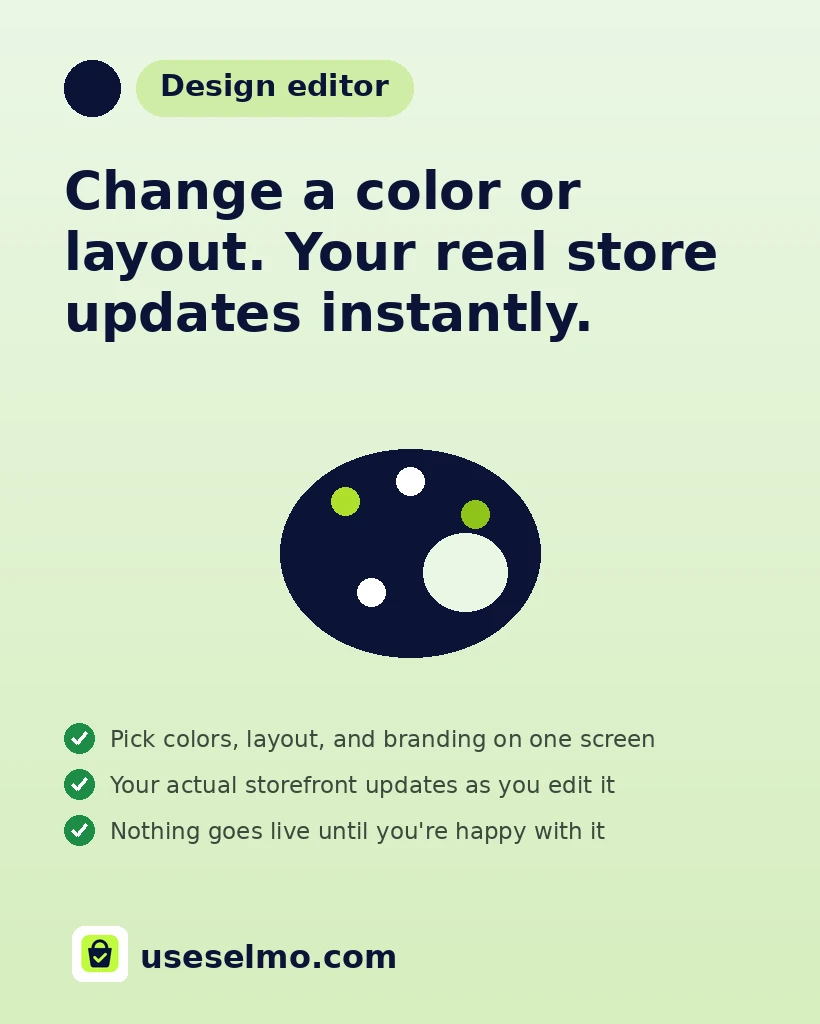
No waiting, no guessing how a change will look once it's saved. Selmo's design editor shows your actual storefront updating in real time as you edit it.
Changing how your store looks shouldn't mean saving a change, reloading the page, and hoping it's what you pictured. Selmo's design editor shows your real storefront updating live as you edit it, so what you see on screen is exactly what a customer will see.
Colors, layout, and branding are all adjustable from one screen, with your actual store rendering alongside it in real time. There's nothing to publish and check separately, what you're looking at while you edit is the real thing.
- Edit on one side, watch your real storefront change on the other
- No developer, code, or separate preview step needed
- Adapts to your business type, from a shopping layout to an ordering app
- Changes are yours to make any time, not a one time setup
A store that's easy to make look like your brand is a store you'll actually keep updating, instead of leaving stuck on day one's default.
Frequently asked questions
Can I change how my Selmo store looks without a developer?
Yes. The design editor lets you change your storefront's look yourself, no code or developer needed.
Do I have to save and reload to see how a design change looks?
No. Your actual storefront updates live on screen as you make changes, so you see exactly what a customer will see before you publish anything.
Is the design editor different for a restaurant versus a regular store?
The editor adapts to your business type, for example showing ordering-app specific language for an eatery, so what you're editing always matches how your store actually works.
Ready to put this to work for your business?
Open your Selmo store free for 2 days. No card required to start.
Start sellingKeep reading
A Letter From Our Founder: Why We Built Selmo
Why we built Selmo for small business owners across Africa, the problem we kept seeing everywhere, and how Amaka, our AI sales agent, exists to fix it.
Meet Amaka: The AI Sales Assistant That Never Clocks Out
Amaka replies to every customer in seconds, answers product questions, negotiates politely, and closes the sale on your store, Instagram, and WhatsApp, 24 hours a day.